Appearance
Sign-in
Purpose
Acme Fleet has no password on the public demo. You pick a seeded teammate. That account’s role decides which nav items, cost columns, and edit controls you get.
Where to open it
Portal path: /sign-in
Nav: Sign-in
Page title: Choose an account
Who can use it
Everyone who uses the demo. The teammate you pick is the role you work as.
Video tour
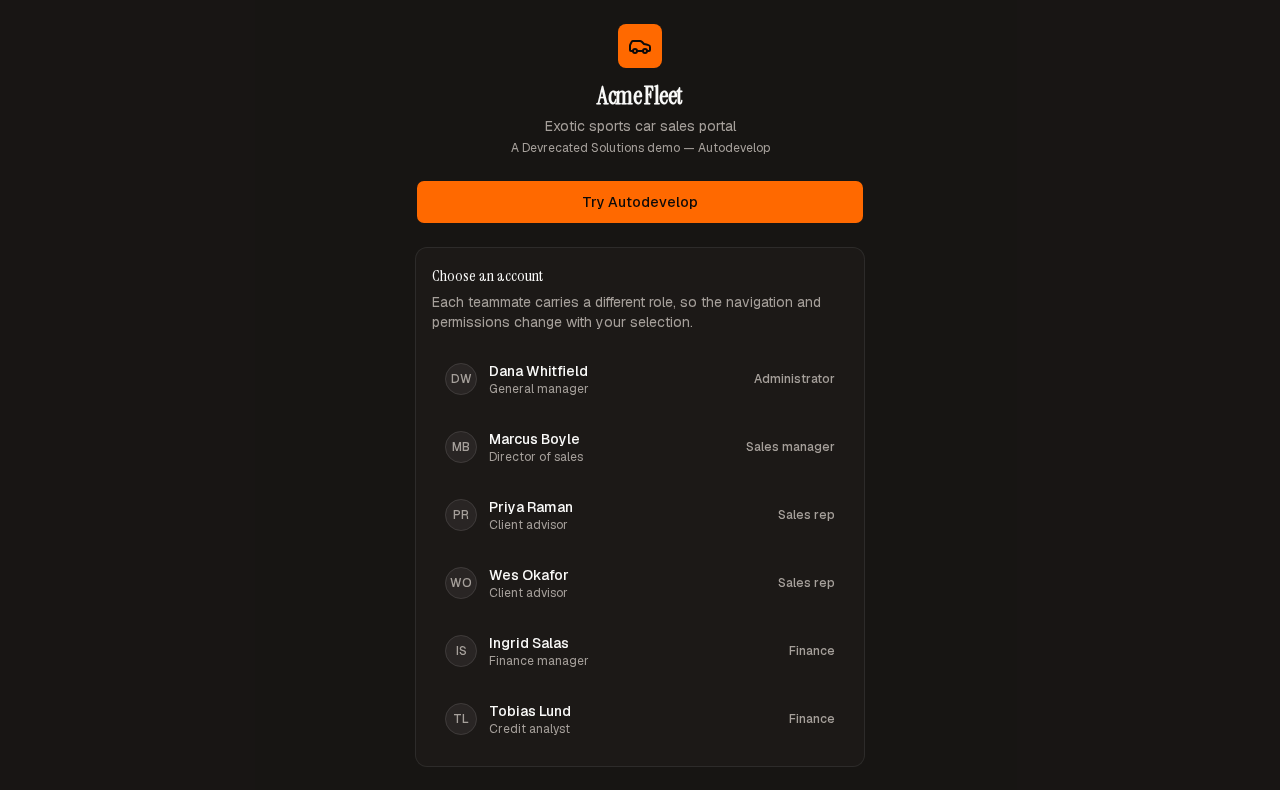
Account picker — seeded teammates, no password.
Step-by-step
- Open
/sign-in. - Wait until the Choose an account list shows Dana Whitfield.
- Pick that row to enter the portal as Administrator.
Look out for
The card lists active teammates. Dana Whitfield is Administrator. A sales rep will not see cost or margin. Finance will not see leads.